Accessible websites according to WCAG, BFSG and EAA: What companies must implement now
- Andreas Fritz
- 29.07.2026
- Websites
Since June 28, 2025, digital accessibility has ceased to be a luxury for large parts of the private sector and has become mandatory. The European Accessibility Act and its national implementations – in Germany the BFSG, in Austria the BaFG – have turned a nice-to-have into a legal requirement. This has shifted the fundamental question: it is no longer about whether a website must be accessible, but about how companies implement this technically correctly – and maintain it permanently.
This article addresses exactly this point. It explains concisely what applies, provides initial guidance on the question "Am I even affected?", makes WCAG Level AA as the technical standard behind the laws tangible, and shows why the choice of CMS, well-built templates, and clear editorial workflows determine whether accessibility remains a one-time project or becomes a reliable standard.
Table of Contents
- TLDR
- Brief Legal Overview: What Applies Since June 28, 2025
- Am I Affected? An Initial Orientation
- WCAG Level AA: The Technical Standard Behind the Law
- Why Overlays and Plugins Are Not a Solution
- The Three Levels of Accessibility: Technology, Editorial, Process
- How the CMS Choice Facilitates Implementation
- Accessibility as an Ongoing Task, Not a Project
- How Cyber-Solutions Supports Implementation
- Conclusion: The Change Is a Calculation, Not a Matter of Belief
TLDR
- Since June 28, 2025, the European Accessibility Act applies – implemented in Germany as BFSG, in Austria as BaFG. It mainly affects B2C online offerings such as shops, e-banking, online booking, and e-ticketing.
- The impact depends on three questions: Is the offer aimed at consumers, does it fall under the services or products named in the law, and does the micro-enterprise exception apply?
- The technical standard is the EN 301 549 norm, which refers to the WCAG (Level AA). Those who meet WCAG Level AA are on the safe side.
- Accessibility overlays and "accessibility plugins" do not establish conformity – they cover problems instead of solving them.
- Accessibility has three levels: technical foundation (templates, components), editorial (alt texts, headings, link texts), and process (audit, fix, retest, training).
- The choice of CMS also matters: accessible templates and structured content ensure that conformity is maintained in everyday editorial work.
Brief legal overview: What has applied since June 28, 2025
The European Accessibility Act (Directive 2019/882) obliges EU member states to regulate accessibility for certain products and services bindingly. In Germany, this has been done through the Barrier-Free Strengthening Act (BFSG), in Austria through the Barrier-Free Act (BaFG). Both have applied since June 28, 2025, and extend the obligation for accessibility to the private sector for the first time.
Primarily affected are digital B2C offerings: online shops, e-banking, online booking and ticketing systems, certain devices, and e-books. An important exception applies to micro-enterprises with fewer than ten employees and under two million euros in annual turnover – but only for services, not for product sales. In Austria, the BaFG provides for tiered administrative fines based on company size for violations, which can reach up to 80,000 euros; market supervision lies with the Social Ministry Service.
A preliminary note: This article provides a practical overview and does not replace legal advice in individual cases. Whether and to what extent your specific offer is affected should be legally reviewed if in doubt. The rest of this article is dedicated to the technical and organizational implementation – where most projects actually fail or succeed.
Am I affected? A first orientation
In practice, this is the first question that arises – and it can be roughly classified for most companies with three test steps. First: Is the digital offer aimed at consumers? The laws target the B2C sector. A purely internal application or a portal serving exclusively business customers is generally not directly covered by the BFSG. Second: Does the offer fall under the services or products named in the law? These include, among others, electronic commerce – such as online shops and booking processes –, banking services for consumers, telecommunications and passenger transport services, as well as e-books and certain devices. Third: Does the micro-enterprise exception apply with fewer than ten employees and under two million euros in annual turnover? It applies to services, not to product sales.
Three constellations often lead to misjudgments. The classic corporate website without sales or booking functions is usually not directly covered as a pure information offer – but as soon as it includes a shop, appointment booking, or customer account, the assessment shifts. B2B companies often feel safe but frequently operate consumer-accessible elements such as spare parts shops or service portals. And those working as contractors or suppliers for the public sector encounter their own regulations anyway: public bodies have been obliged for years under the Web Accessibility Directive and its national implementations – in Germany, for example, BITV 2.0 – and this requirement is consistently passed on in tenders.
Regardless of the pure legal obligation, the second level is worth considering: contract partners, corporate policies, and tenders increasingly require WCAG Level AA as a standard. Not being affected does not automatically mean accessibility is not an issue. A reliable answer to the question of impact in individual cases can only be given by legal review – the technical answer is the same in all cases and is the subject of the following sections. (Editorial note: As soon as the follow-up article "Am I affected by the BFSG? A test scheme for companies" is online, it will be linked here.)
WCAG Level AA: the technical standard behind the law
The laws themselves describe hardly any technical details – they refer to the harmonized European norm EN 301 549, which in turn refers to the Web Content Accessibility Guidelines (WCAG) of the W3C. The WCAG know three levels of conformity: A, AA, and AAA. The decisive level for practice is AA – those who meet it generally cover the legal requirements. The currently harmonized reference is WCAG 2.1 Level AA; since the current version 2.2 fully includes 2.1, it makes sense and is future-proof to aim directly at WCAG 2.2 Level AA.
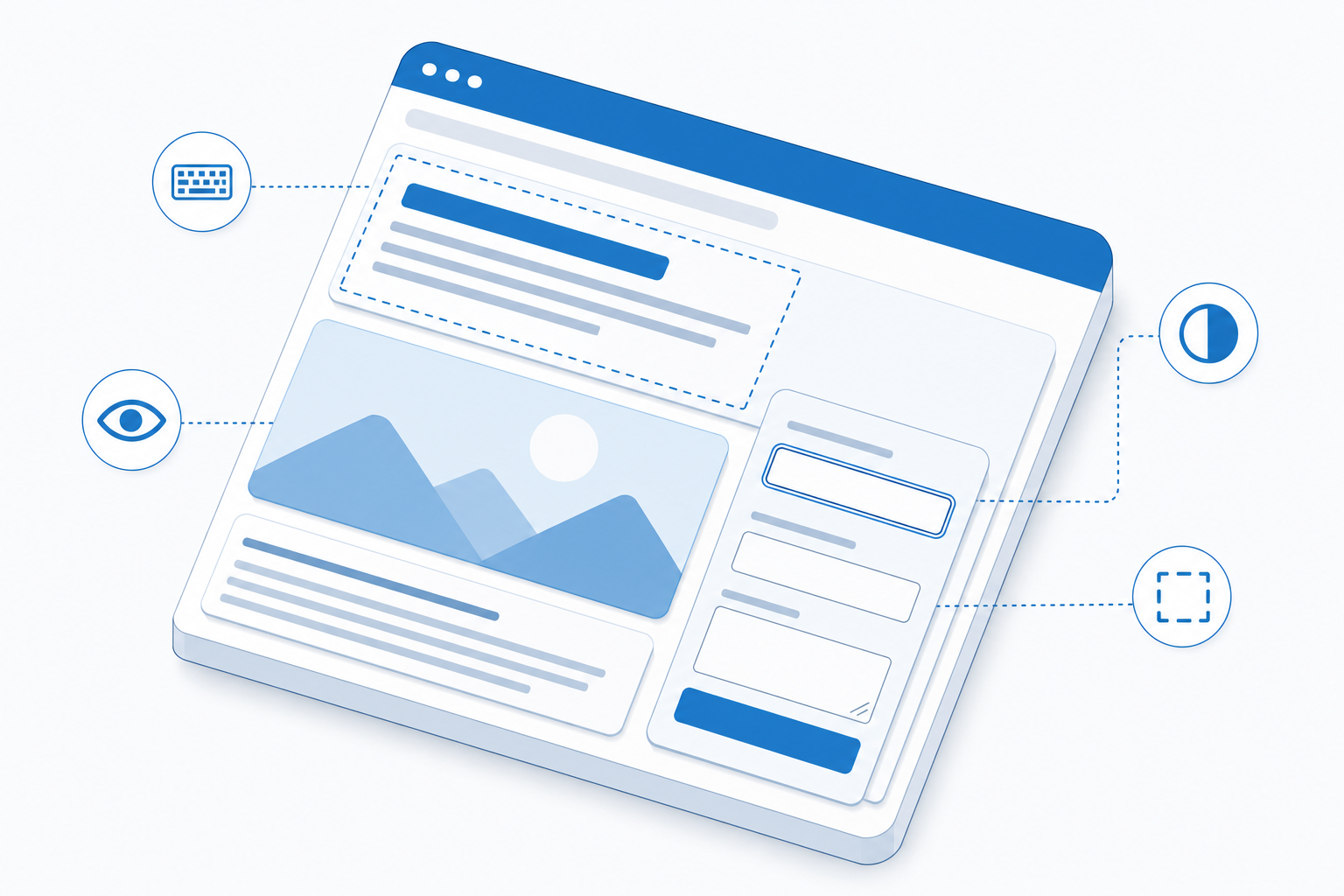
Substantively, the WCAG rest on four principles, often abbreviated as POUR: content must be perceivable, operable, understandable, and robust. Translated into everyday terms, this means: sufficient color contrast (at least 4.5:1 for normal text), alternative texts for informative images, full keyboard operability, a visible focus, a logical heading structure, meaningful link texts, scalability to 200 percent zoom without layout break, and forms that do not signal errors only by color. None of these criteria is complicated on its own – the challenge is to maintain them across the entire website and permanently.
Why overlays and plugins are not a solution
With the deadline, a market of supposed shortcuts has emerged: accessibility overlays and "accessibility plugins" that are scripted over the website and display contrast switches or read-aloud buttons. The promise to be compliant at the push of a button is tempting – and misleading.
An overlay does not replace a clean structure. WCAG conformity depends on semantics, markup, content, and operating logic – things that are in the HTML and content itself, not in an overlaid layer. Worse: some overlays additionally interfere with assistive technologies like screen readers and worsen accessibility. Sustainable accessibility arises only at the root: in a cleanly built frontend and in structured, well-maintained content.
The three levels of accessibility: technology, editorial, process
Anyone who wants to achieve accessibility permanently must consider three levels together. The first is the technical foundation: semantic HTML, accessible templates and components, correct focus management, keyboard-navigable navigation and forms. This level is built correctly once – and then supports every page that builds on it.
The second level is editorial. Even the best template is of little use if images are uploaded without alt text in everyday work, headings are misused as pure design elements, or link texts like "click here" are set. Accessibility is created or broken daily by exactly these editorial decisions. This is exactly where AI-supported functions in the backoffice can relieve, for example, in generating alt text suggestions – as we have implemented in the AI Essentials Toolkit for Umbraco. Responsibility for quality remains with the editorial team; technology only lowers the hurdle.
The third level is the process: an initial audit, fixing findings, a retest, documented content rules, and training of the editorial team. Without this cycle, a website falls back into old patterns after a few months.
How the choice of CMS facilitates implementation
Exactly at the interface of these three levels, the value of a well-chosen and well-set-up CMS becomes apparent. A well-thought-out system removes the possibility for the editorial team to accidentally break accessibility: alt text fields can be defined as mandatory, heading levels are specified via structured content types instead of freely formatted, and colors and components stored in the design are built from the start to be contrast- and focus-safe. Accessibility thus moves from a daily act of will into the platform's structure.
Structured, presentation-independent content also helps: when content is cleanly modeled, accessible output patterns can be centrally controlled and consistently delivered across the entire website. Incidentally, this is the same basis that also decides the architecture question – we have covered it extensively in the article Headless, Composable or Classic CMS? Whether Umbraco, Sitecore, or Kentico – what matters is not the logo on the platform but that templates, components, and editorial interfaces are designed from the start for WCAG Level AA. A good CMS makes the accessible path the easiest path.
Accessibility as an ongoing task, not a project
The most common misconception is to treat accessibility as a one-time project with an end date. But websites live: new pages, campaigns, PDFs, videos, and editors are added. Each of these changes can introduce new barriers. Compliance is therefore not a state that you achieve once but one that you maintain.
Practically, this means: regular audits, binding editorial guidelines, an accessibility statement that transparently shows the current status, and training that enables the team to publish accessibly. Perfection is rarely realistic – what matters are a comprehensible status, clear priorities, and consistent implementation of critical points. Those who actively and documentedly work on accessibility are much better off in case of an audit than someone who relied on an overlay. If a major relaunch is due anyway, the cheapest time for a clean technical foundation is the website relaunch – accessibility costs only a fraction of what retrofitting grown templates causes.
How Cyber-Solutions supports implementation
We do not see accessibility as a retroactive add-on but as part of a clean web architecture. In practice, this means: we audit existing websites against WCAG Level AA, implement findings in accessible templates and components, and anchor conformity through editorial guidelines and training so that it holds in everyday life. As Umbraco Platinum Partner and partner for Sitecore, Storyblok, and Kentico, we implement this across platforms.
That this works is shown in practice: the web presence of VERBUND AG, for example, follows a corporate design that complies with accessibility guidelines according to WCAG 2.2 AA and is regularly audited – accessibility thought through from the template level to everyday editorial work. How this project is structured can be read in the case study on the VERBUND website relaunch. With over 15 years of experience in enterprise web projects, we accompany companies from the initial inventory to permanently compliant operation.
Conclusion: From obligation to quality
The legal obligation is the trigger – the real gain lies elsewhere. An accessible website is easier to use, more visible in search engines, easier to read for AI systems, and simply reaches more people. Those who approach accessibility through the right CMS foundation, good templates, and lived editorial processes not only comply with EAA and BFSG but build a website that works for everyone. Thus, a burdensome obligation becomes a genuine quality feature.
Would you like to know how accessible your website really is – and what to do?
Frequently Asked Questions - FAQ
Simplified for companies offering digital B2C services or products – such as online shops, e-banking, online booking, or e-ticketing. Micro-enterprises (fewer than ten employees and less than two million euros in turnover) are exempt for services, but not for the sale of products. An initial orientation is provided by the section "Am I affected?" in this article; the exact applicability should be legally reviewed on a case-by-case basis, as this article does not replace legal advice.
As a purely informational offering, it is generally not directly covered by the BFSG. However, the assessment changes as soon as consumer-accessible functions are added – a shop, an appointment booking, a customer account, or a service portal. Regardless, tenders, corporate policies, and public clients increasingly require WCAG Level AA, and for public authorities, there is a separate obligation under BITV anyway.
As the harmonized reference under EN 301 549, WCAG 2.1 Level AA currently applies. Since WCAG 2.2 fully includes the criteria of 2.1 and adds contemporary requirements, we recommend aiming directly for WCAG 2.2 Level AA – this ensures you are legally covered and future-proof.
No. Overlays place a layer over the website but do not solve the underlying issues in structure and content – and can even additionally interfere with assistive technologies. Conformity only arises at the root: in clean markup, accessible templates, and well-structured content management.
It is important to take action now. An audit creates a comprehensible current status, after which the most critical barriers are addressed first and the rest are gradually followed up. Those who work on implementation with documentation are in a much better position during an audit than someone who remains inactive.
Create your digital project with us!
We are here to support you in building or enhancing your digital projects. Get in touch with us and find out how we can help bring your vision to life!